Computer Vision

HEADING
What is Computer Vision
"Computer vision is a subfield of artificial intelligence (AI) that equips machines with the ability to process, analyze and interpret visual inputs such as images and videos" -IBM
"Computer vision enables machines to interpret, analyze, and pull meaningful data from images and videos. This field of AI uses deep learning and neural networks to recognize objects, people, and patterns with high degrees of accuracy. In other words, it replicates human sight and the cognitive ability to interpret visual data." -Microsoft
"Computer vision tasks include methods for acquiring, processing, analyzing, and understanding digital images, and extraction of high-dimensional data from the real world in order to produce numerical or symbolic information, e.g. in the form of decisions" -Wikipedia
Normal People Description
Computer Vision is how we process pictures/video into something computers can understand, how computer handle that information, and how we extract useful conclusions from those pictures/videos.
Uses of Computer Vision
Healthcare
Computer vision is used in the medical industry to automate and improve the accuracy of medial imaging. It is often used to find things such as
- Fractures
- Tumors
- Cardiovascular issues

Agriculture
The Agriculture industry makes use of Computer Vision in many ways.
- Monitor Crop Health
- Track Livestock
- Detect Plant Disease
Document Processing
A boring but necessary function. Computer Vision is the backbone for document digitization and document OCR. Converting paper documents into digital text.
Uses of Computer Vision
To Win Hackathons
Judges love computer vision projects, and they usually are not that complicated to set up once you know what tools you have at your disposal.
'Surveillance'
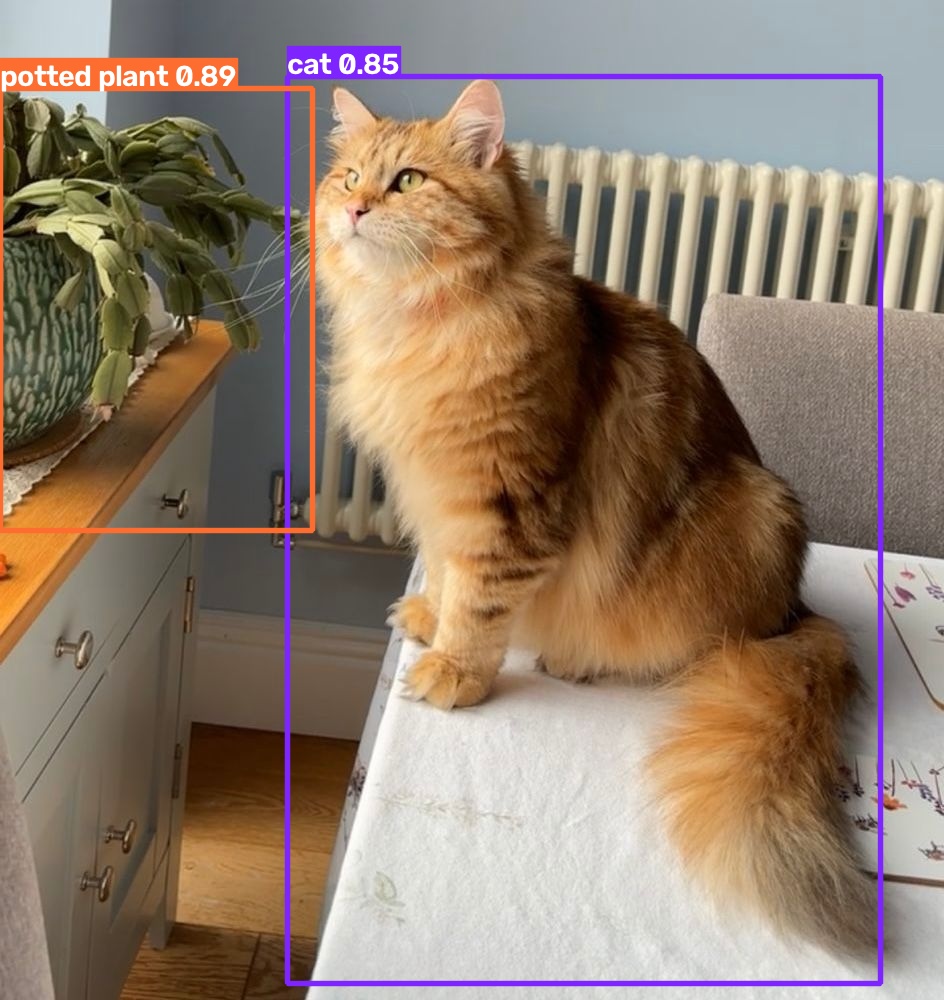
As we will see later, computer vision can be used to track where objects, including people, are in a room! This has been the backbone of many of our most beloved companies. We can track things such as
- Cars
- Clothing Items
- People

'Defense'
Computer Vision's ability to track things also makes it vital in the defense industry, powering things like
- Airplane Flying
- Unmanned Vehicles
- Anti-Missile Systems
- Missile Systems

Color Channels
Red Cat
Red Color Mask
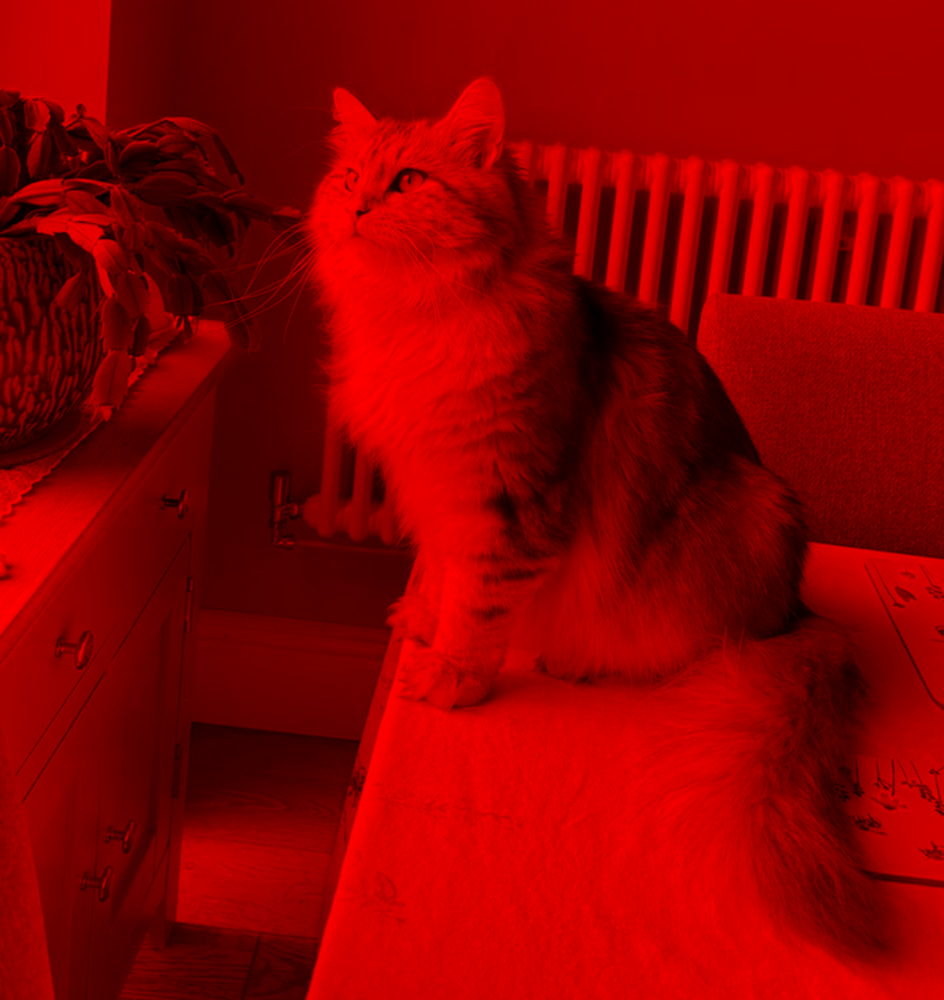
Red Mask Pixel: [ 0 0 183]
Blue Cat
Blue Color Mask
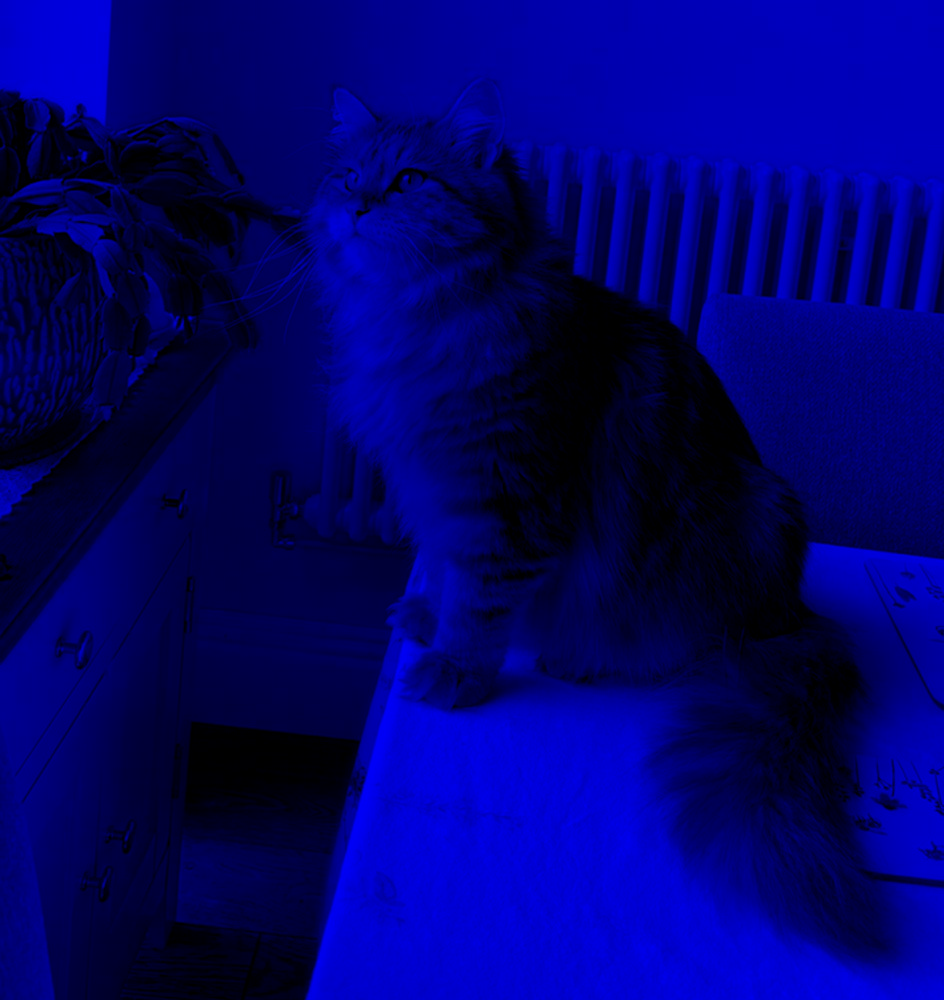
Blue Mask Pixel: [202 0 0]
Green Cat
Green Color Mask
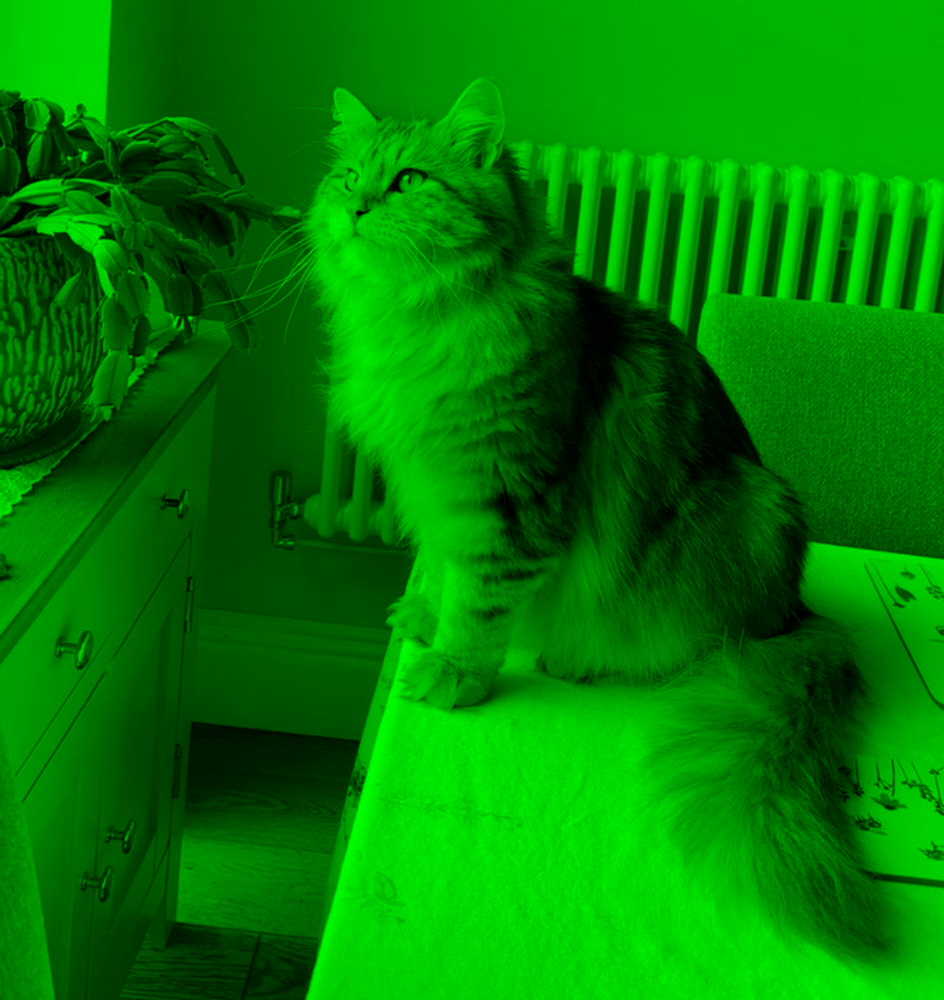
Green Mask Pixel: [0 196 0]
Color Channels
Red Cat
Emphasized Reds
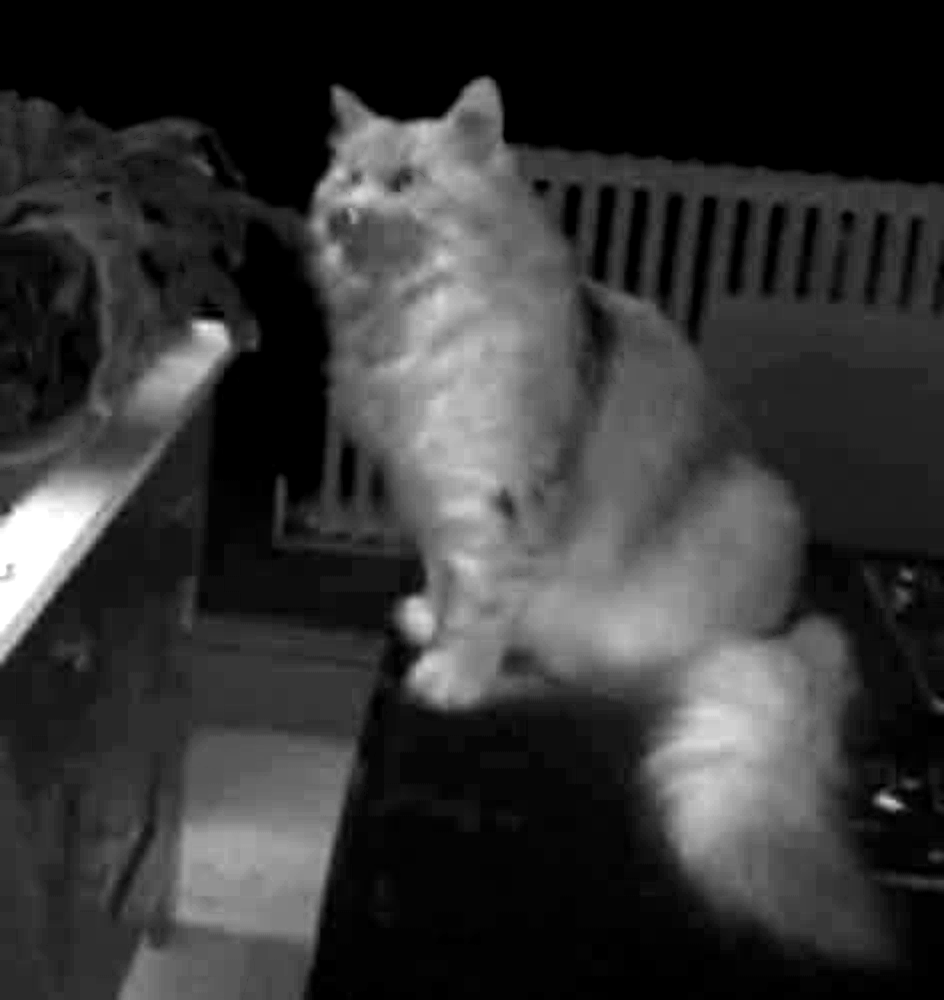
Blue Cat
Emphasized Blues

Green Cat
Emphasized Greens
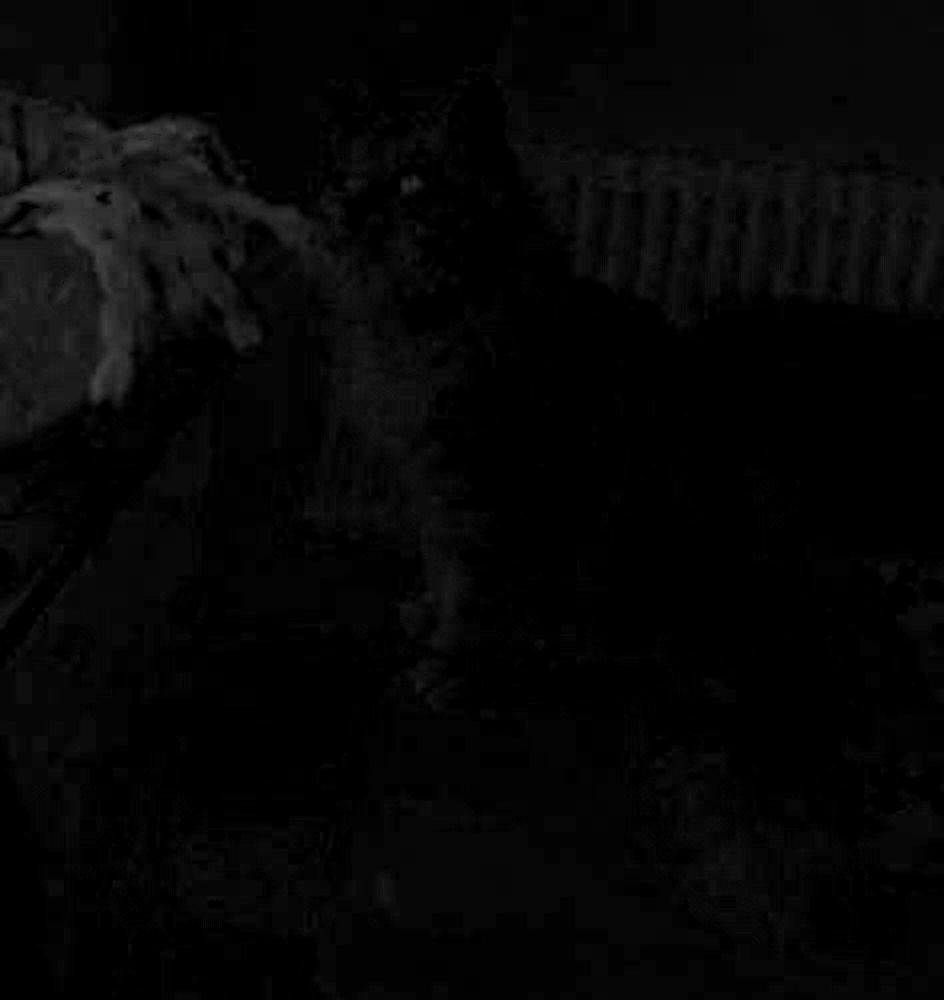
Image Resizing
Original Image (944x1000)

Total Pixels: 944000
241x256

Total Pixels: 61696
60x64

Total Pixels: 3840
Interpolation Types
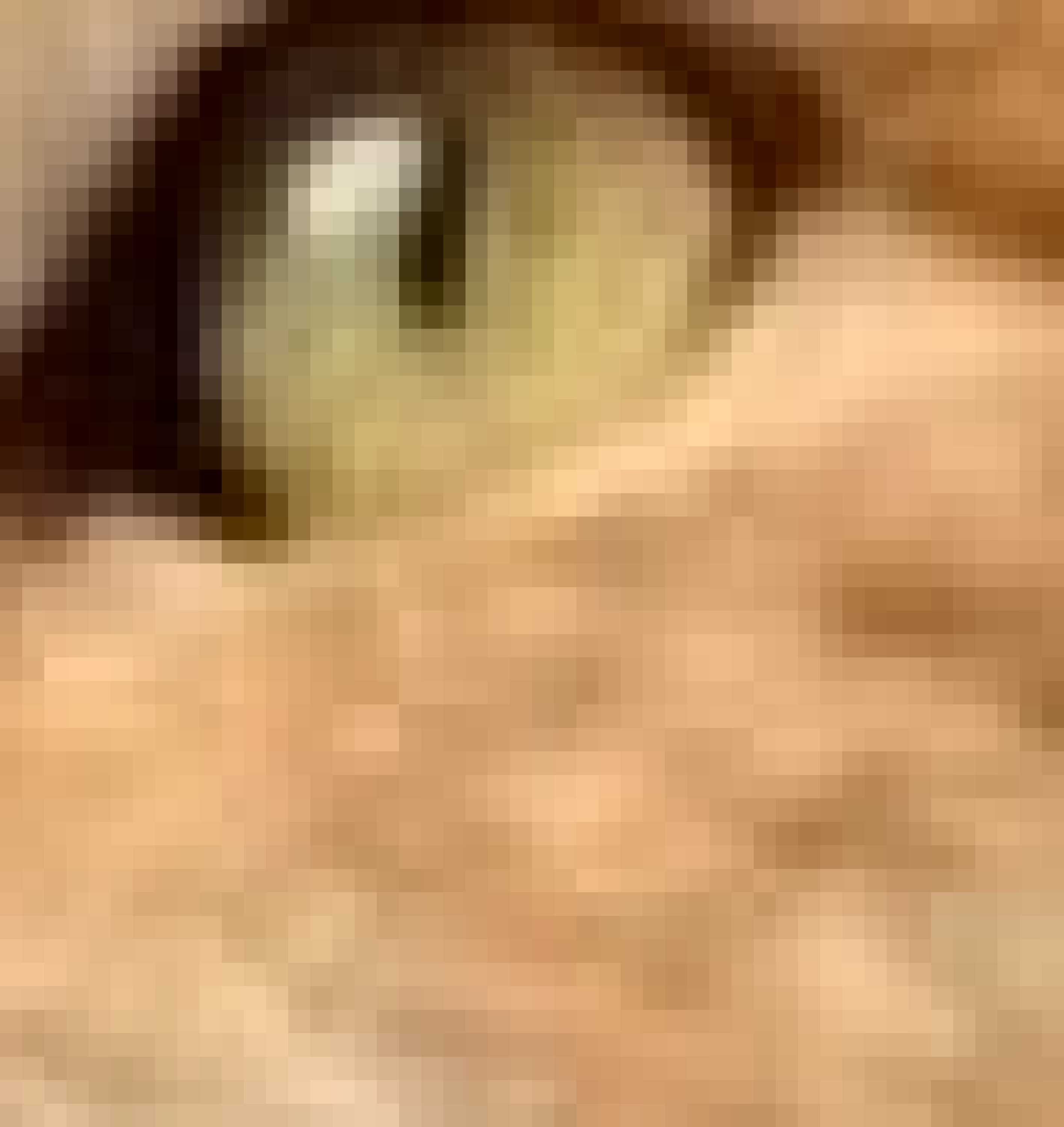
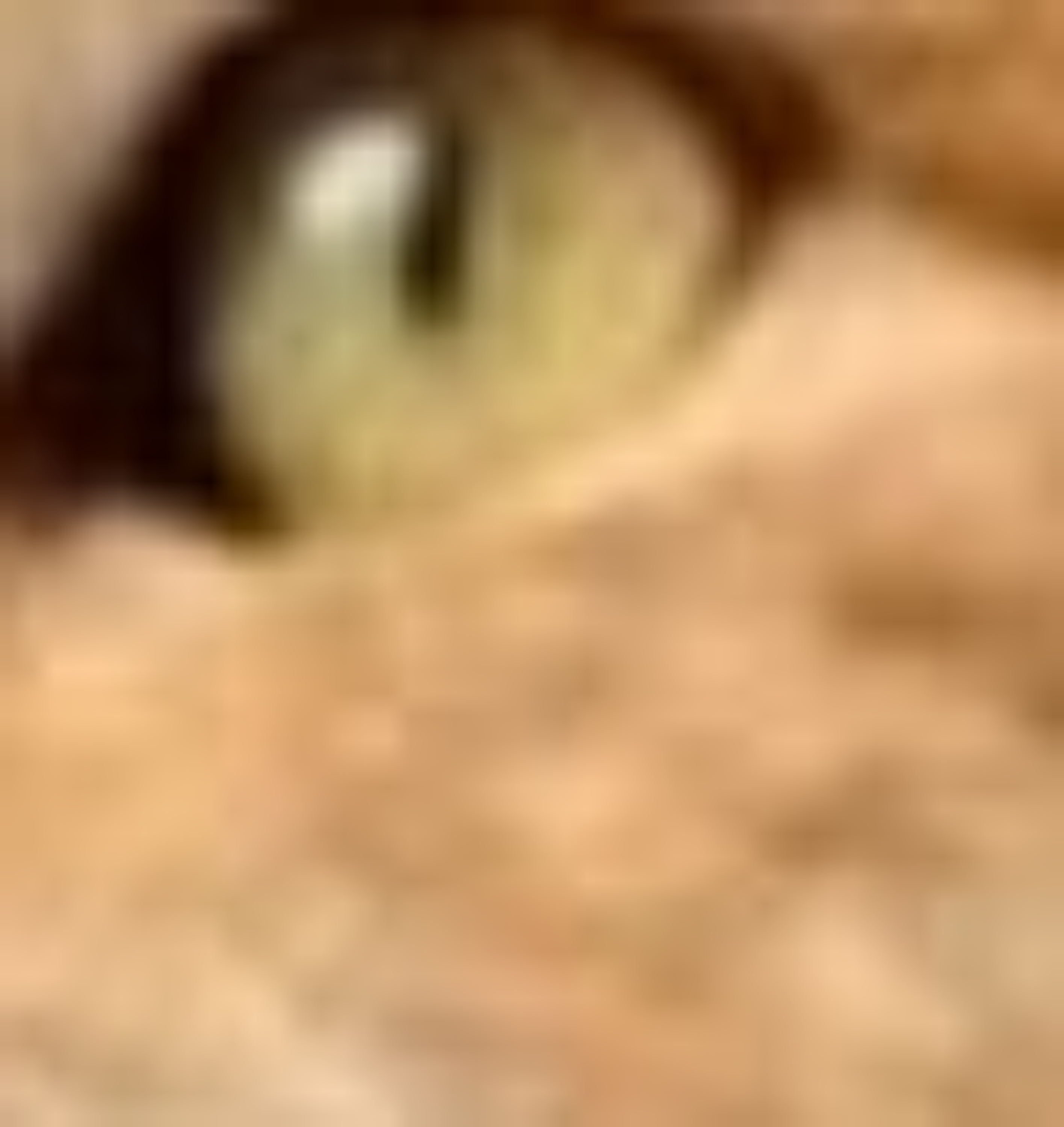
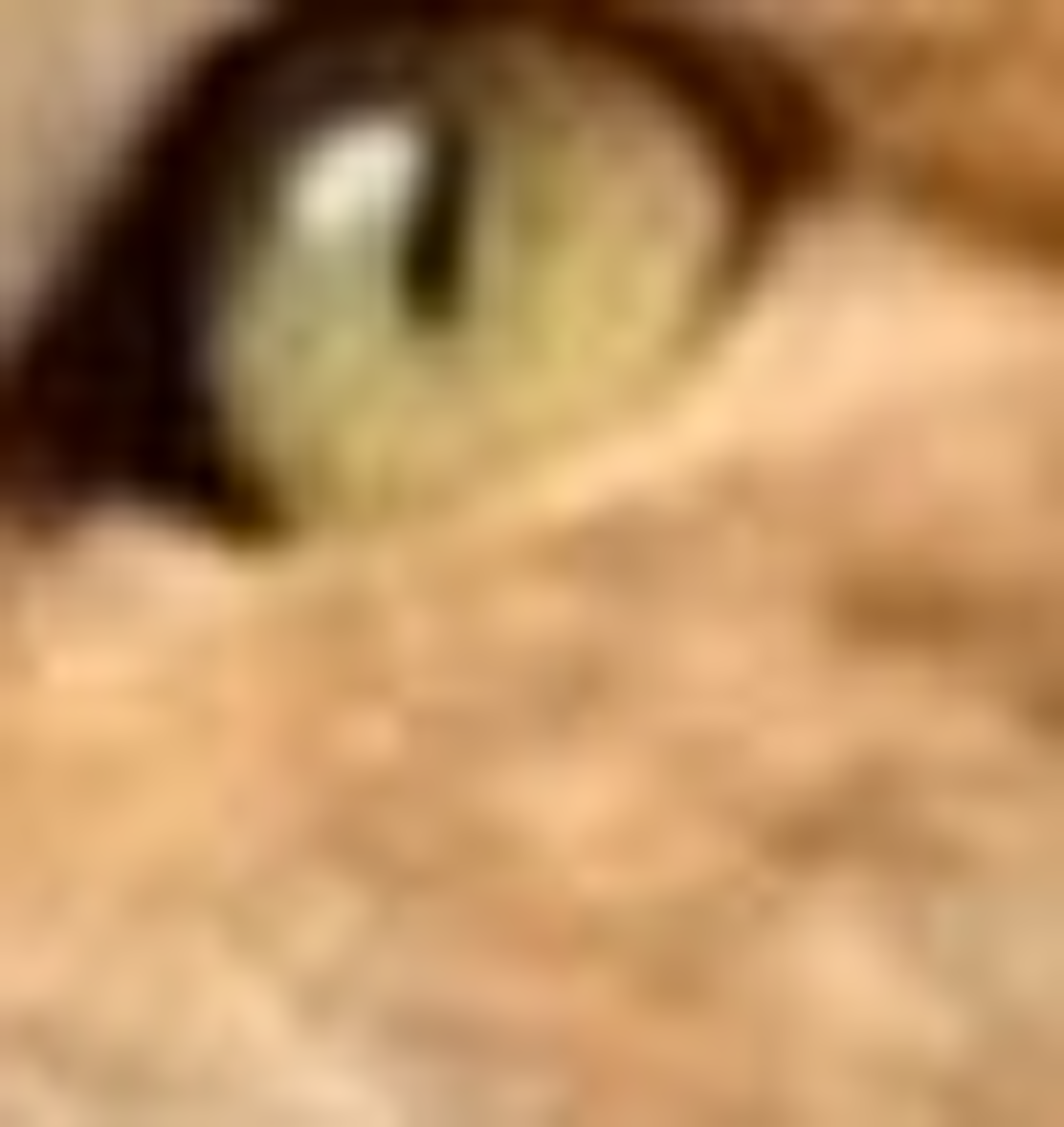
When we resize an image, the computer has to generate new pixels to fit the new aspect ratio. This is done through interpolation which estimates values in a known range. There are a few ways to handle interpolation demonstrated below
Nearest Neighbor
Blocky but Fast
BiLiniear
Smooth but lost quality
BiCubic
Slow but smooth
Gray Scaling
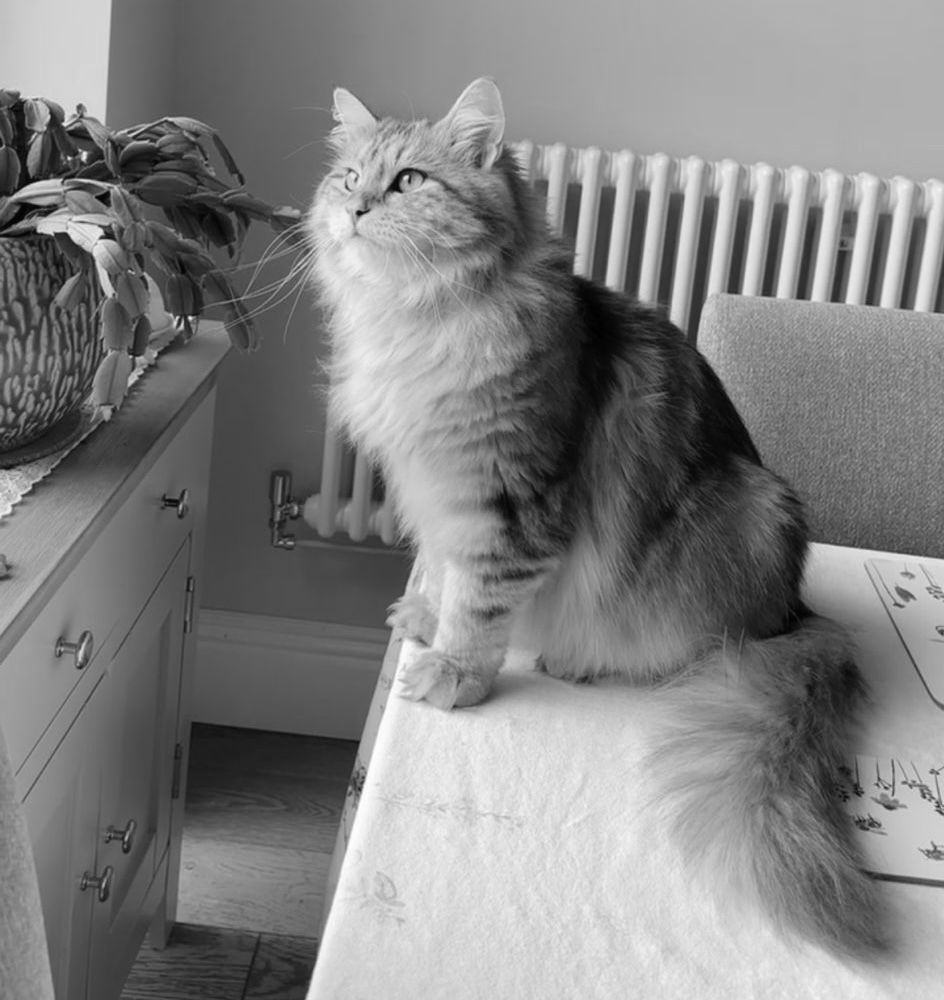
Depending on the Computer Vision task, another preprocessing step we can take is the complete removal of the color channels. By passing each pixels color values through a function we can convert each pixel to a different brightness shade of gray. While this does lose data, it also shrinks the image size and can be useful for certain tasks that do not rely on color and only use brightness, such as edge detection.
Using OpenCV's cvtColor function we can quickly change the entire image
#Convert the Image to a grayscale
#Use BGR to Gray to match imread
gray_image = cv2.cvtColor(image, cv2.COLOR_BGR2GRAY)
Classical Processing
Features
A feature is a piece of information in an image that implies a point of interest. Features help classical CV tools detect objects in images without knowing what an image is.
Classical processing largely focuses on finding and describing features in an image. This is typically accomplished using kernels to analyze the contents of an image.
Kernels
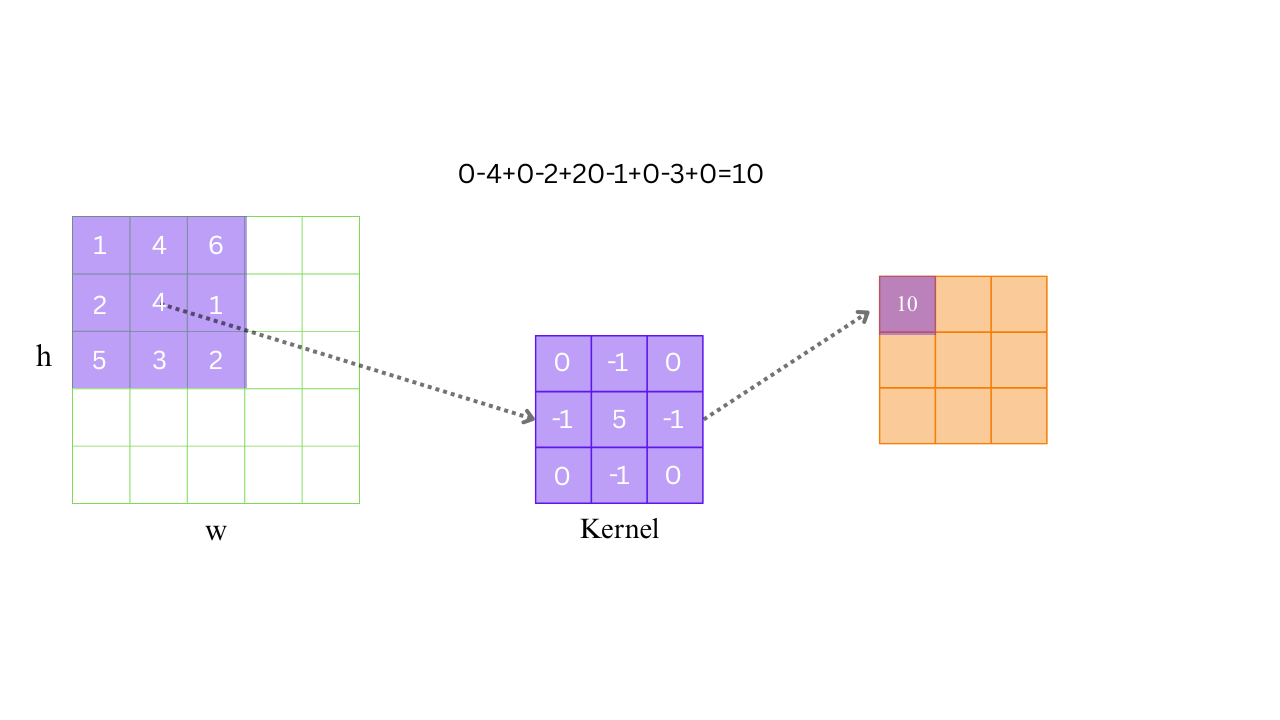
A Kernel is a matrix of weights (typically 3x3) that slides over an image. At each pixel you sum pixel value * weight and assign that value to the center pixel. This allows you to describe changes in the image over a set of pixels.
Edge Detection Example
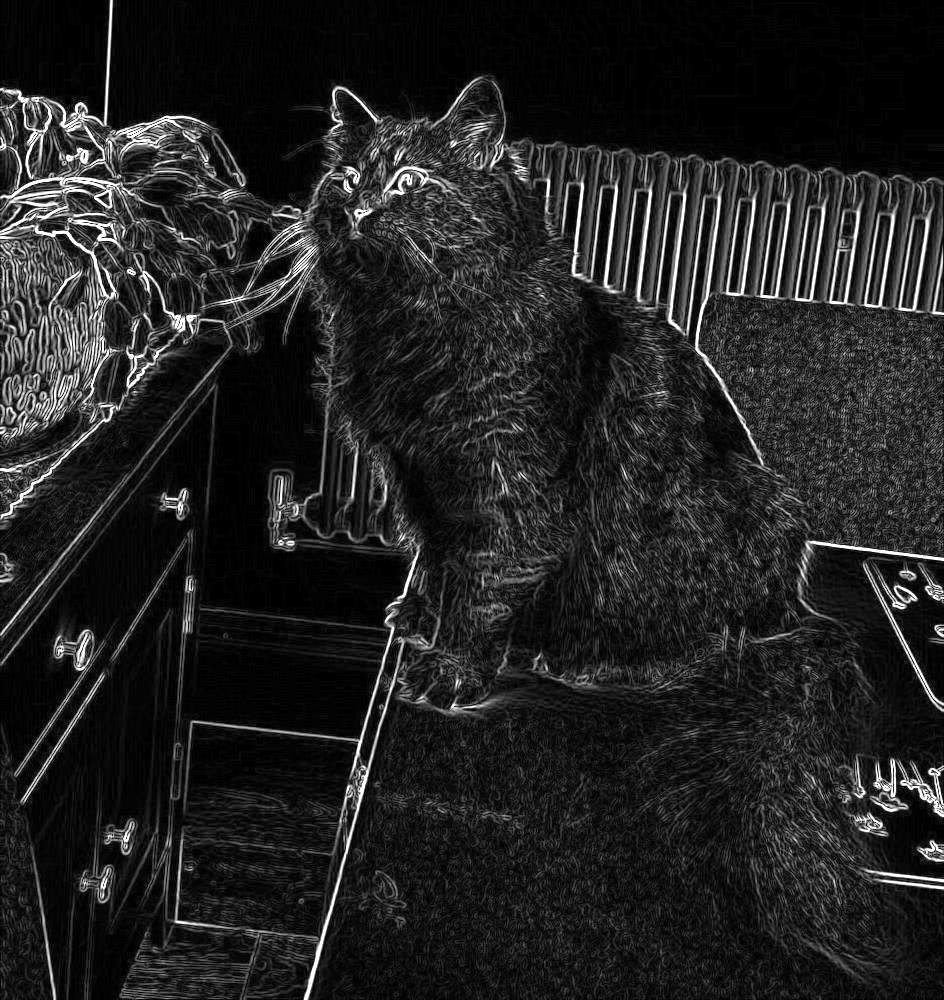
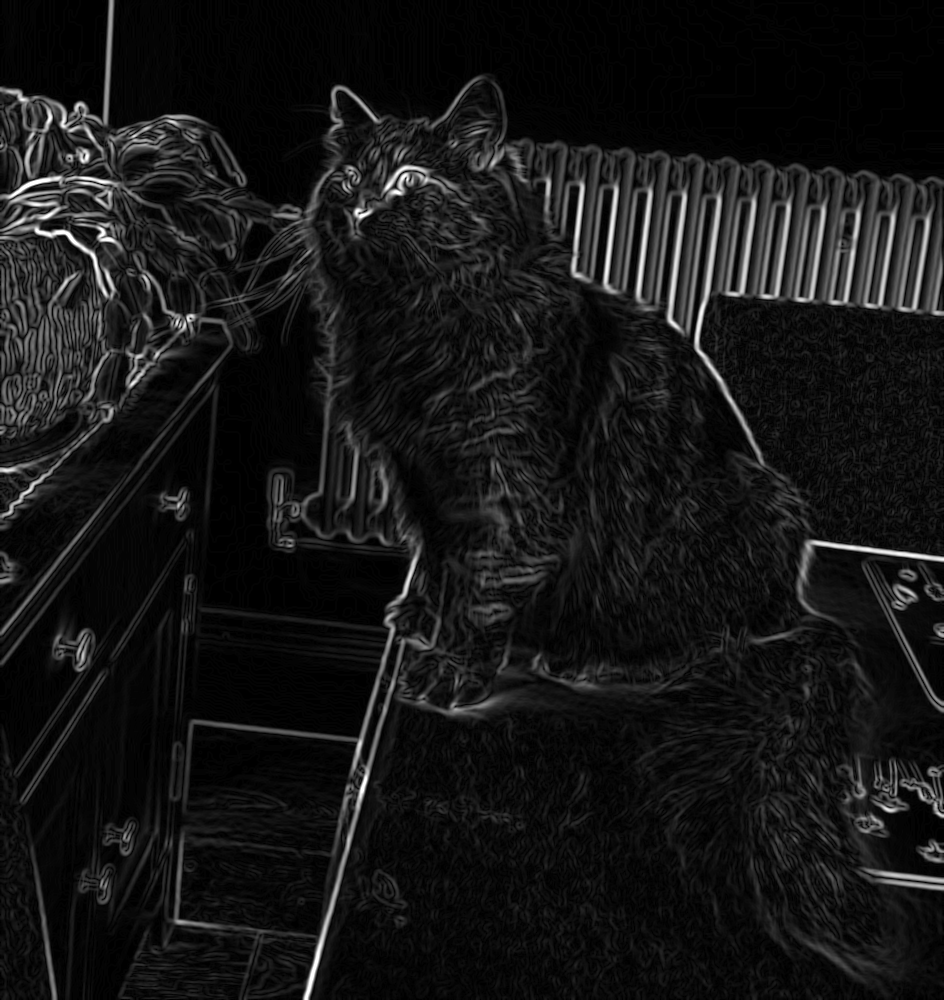
Below is the result of running Sobel edge detection on our example Cat. Notice how Cat and radiator borders start to blend in and the Cats fur borders are highlighted. Also shown is the same process after a box blur has been applied to the image.
Stacked Kernels
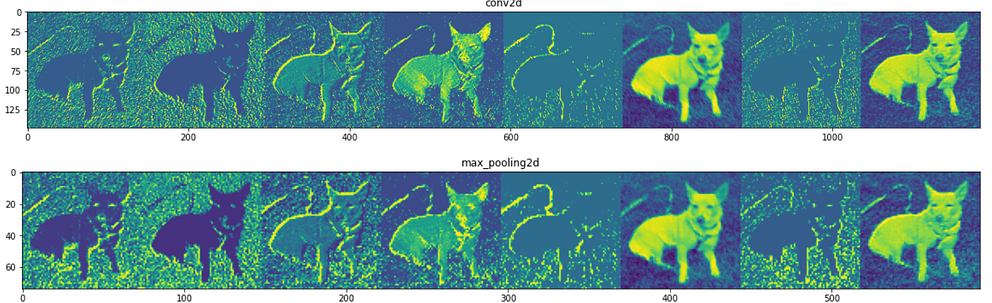
To improve accuracy, models began implementing multiple levels of convolution using differently weighted kernels. These feature maps each attempt to detect a specific feature and build off of each other into more abstract concepts. While a early feature may still only detect edges and corners, future layers may use that information to detect a body, and then a face and eyes off of the body.
This stacked feature hierarchy can be expanded on to add more functionality to these models. Once a model can tell that a body is in the picture, it can also attempt to track that bodies movement by generating and tracking landmarks on the body.